Ink to Pixel

2026

I experimented with digital illustration using a Huion Note.

Pros: You get a digital version of your image, can alter colors as you draw, and create a record of your drawing process that you can refer back to.

Cons: The digital images sometimes skip slightly, causing misalignment. The solution is to either enable Airplane Mode with Bluetooth only (connecting to the app) to reduce interference, or to draw in offline mode.

Overall, I really like the Huion Note and intend to keep exploring it.

For each illustration, I’ve included:

  • A scan of the original biro sketch

  • The resulting digital image

  • A looping GIF of the drawing process, sped up to approximately 9 seconds
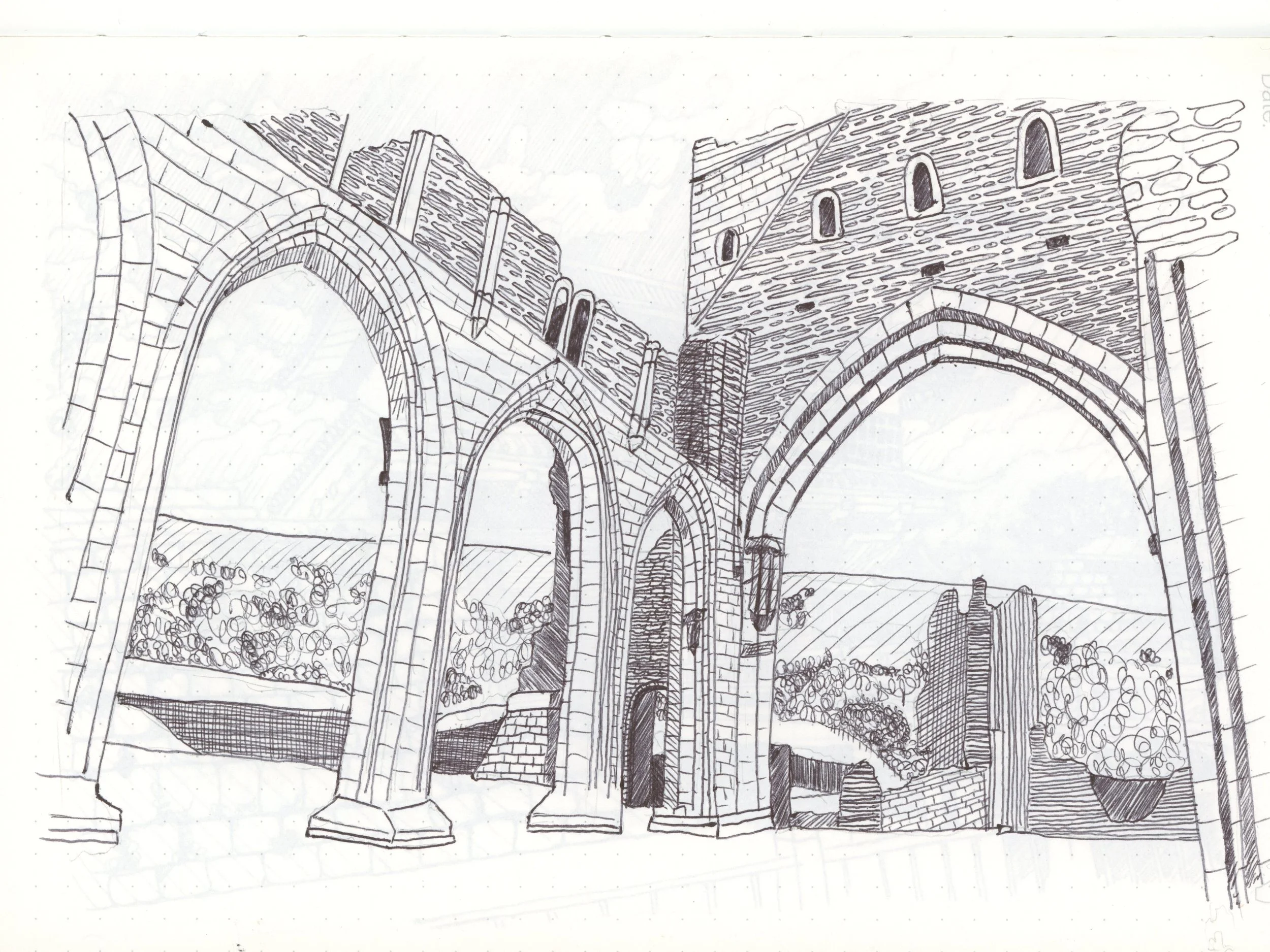
A drawing done with a Huion Note ball point on a Huion note paper notepad: Llanthony abbey
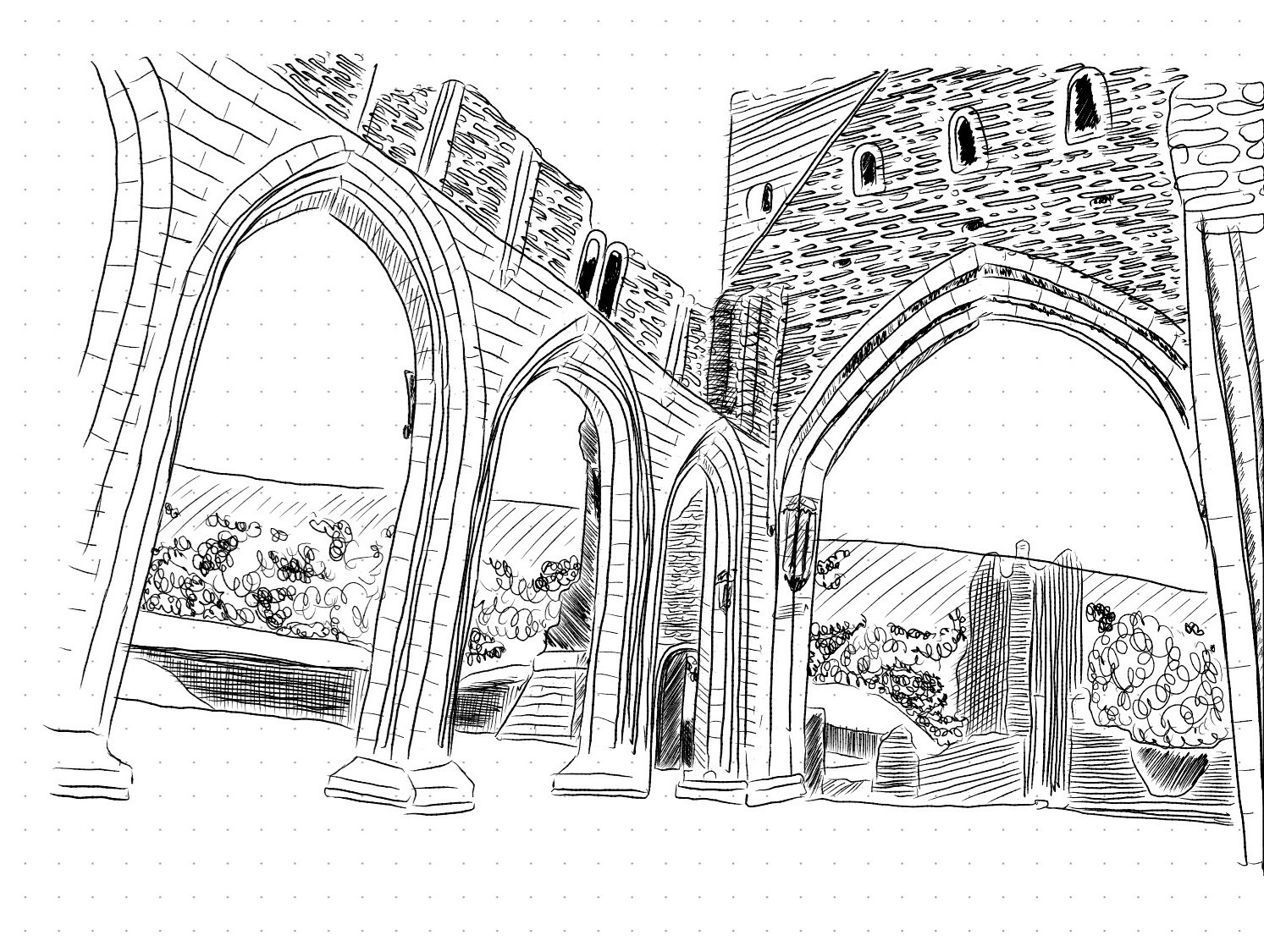
A digital drawing created on a Huion note: llanthony abbey
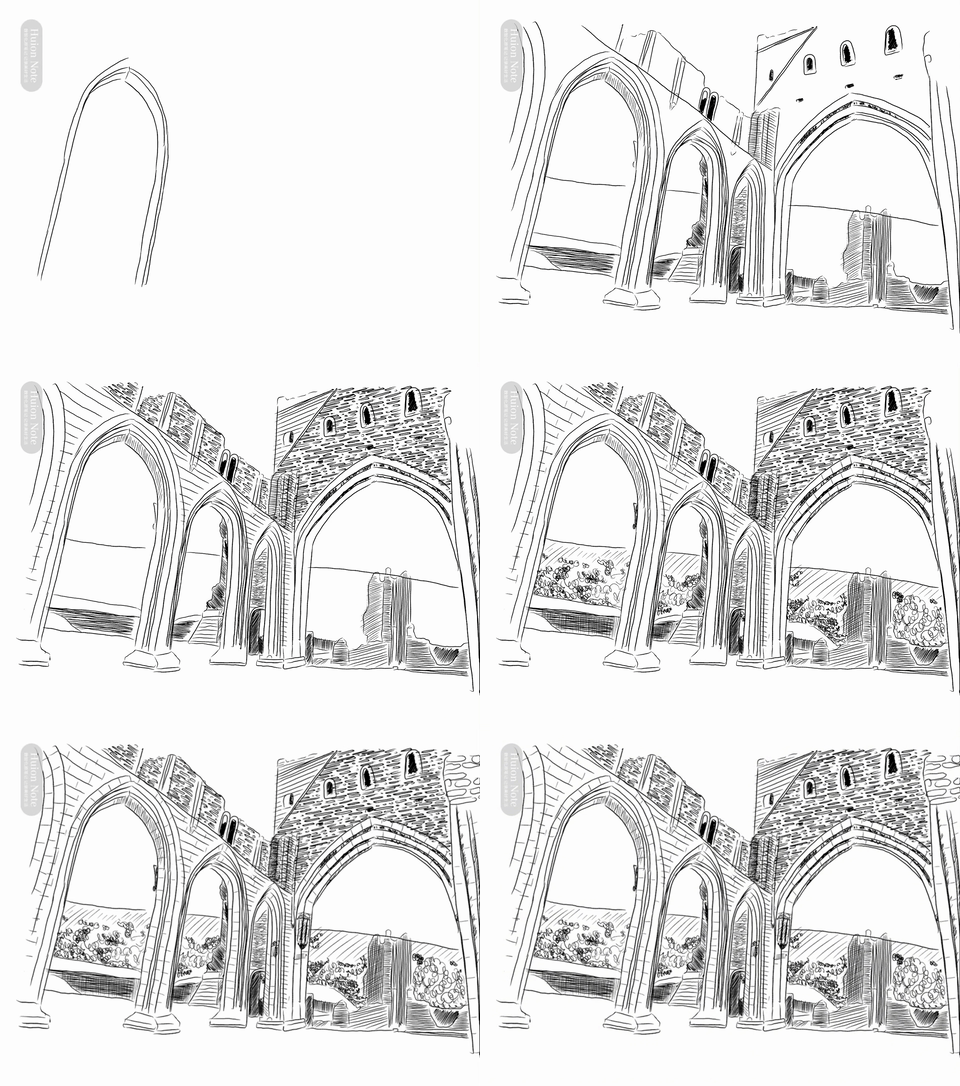
A gif of drawing llanthony abbey on a Huion note
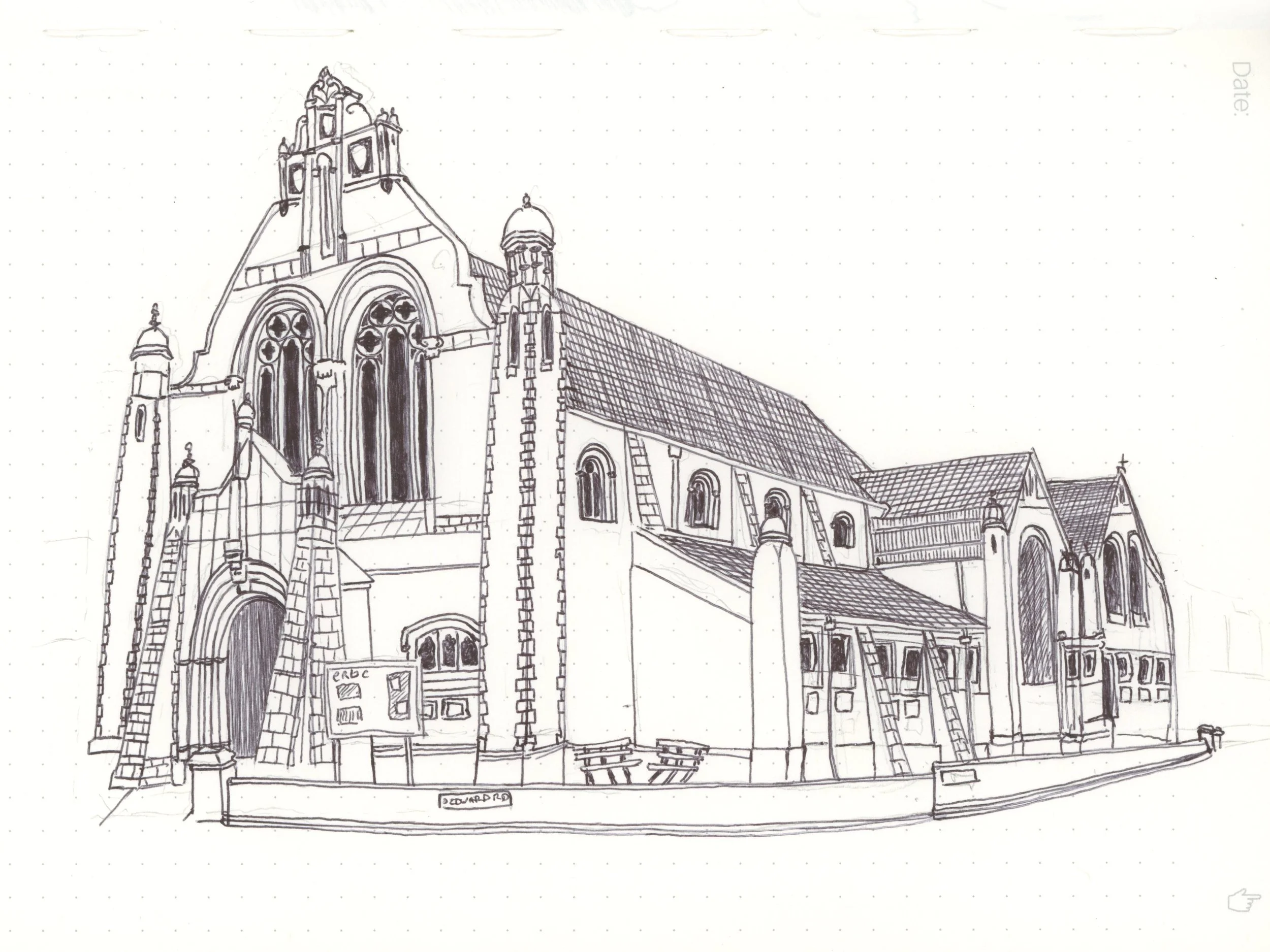
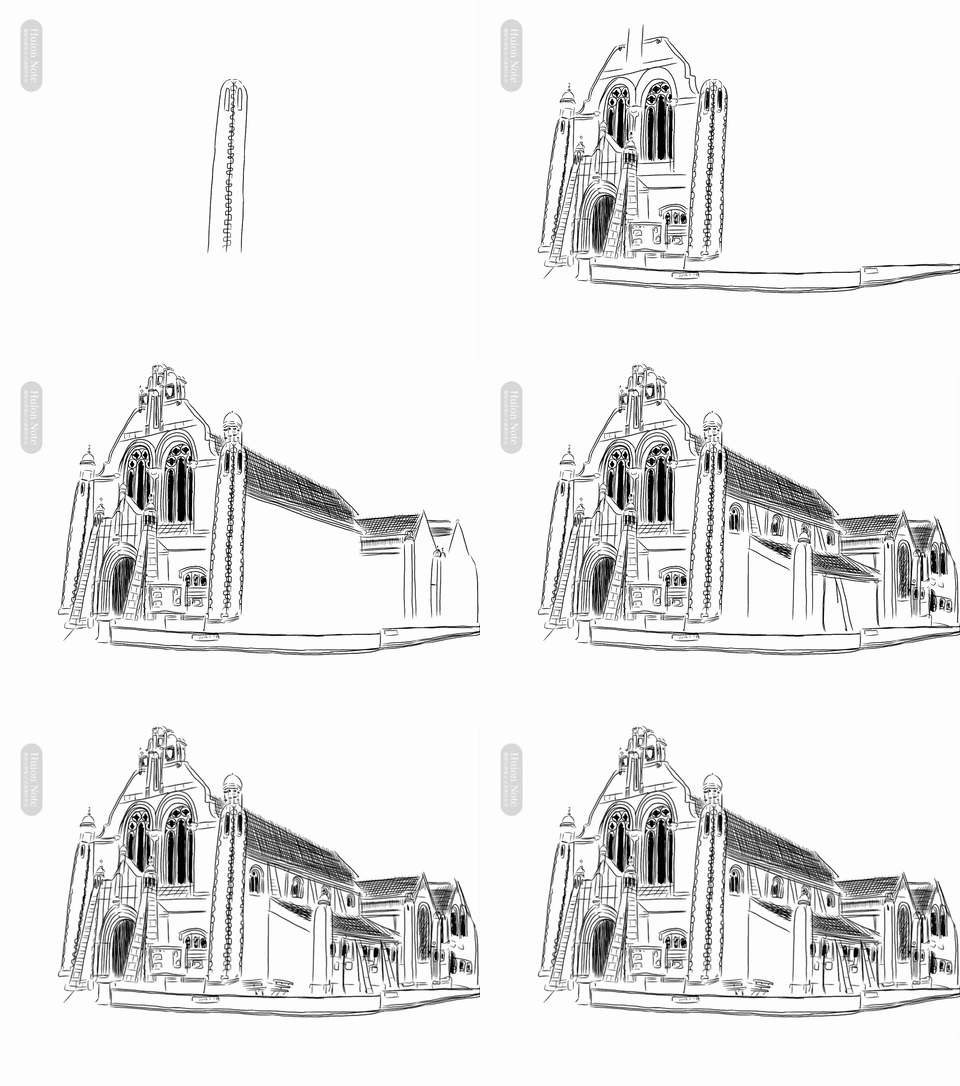
A drawing done with a Huion Note ball point on a Huion note paper notepad: Edward Road Baptist Church, Birmingham UK
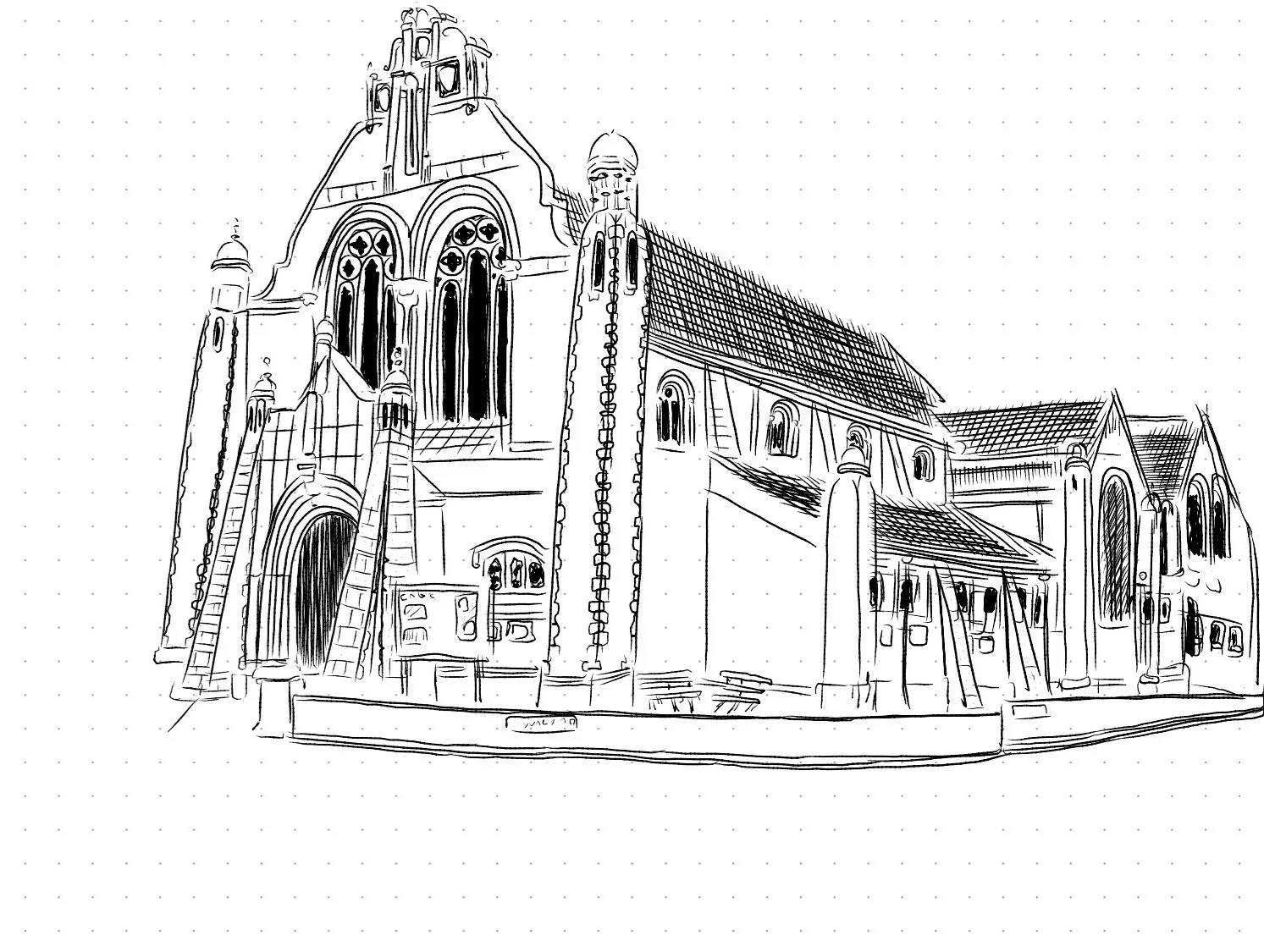
A digital drawing created on a Huion note: Edward Road Baptist Church, Birmingham, UK
A gif of drawing Edward Road Baptist Church on a Huion note
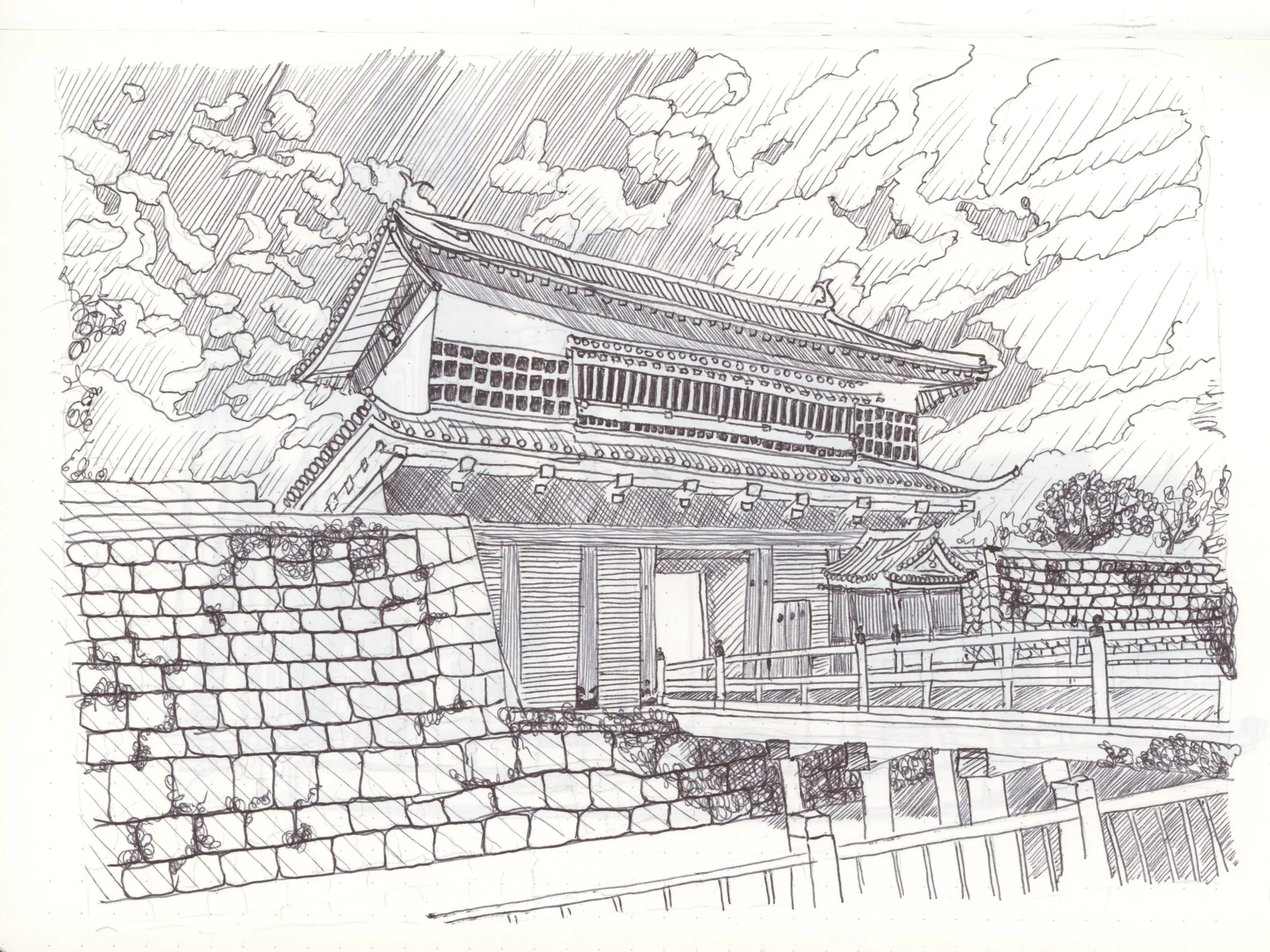
A drawing done with a Huion Note ball point on a Huion note paper notepad: Kagoshima Castle Goromon Gate
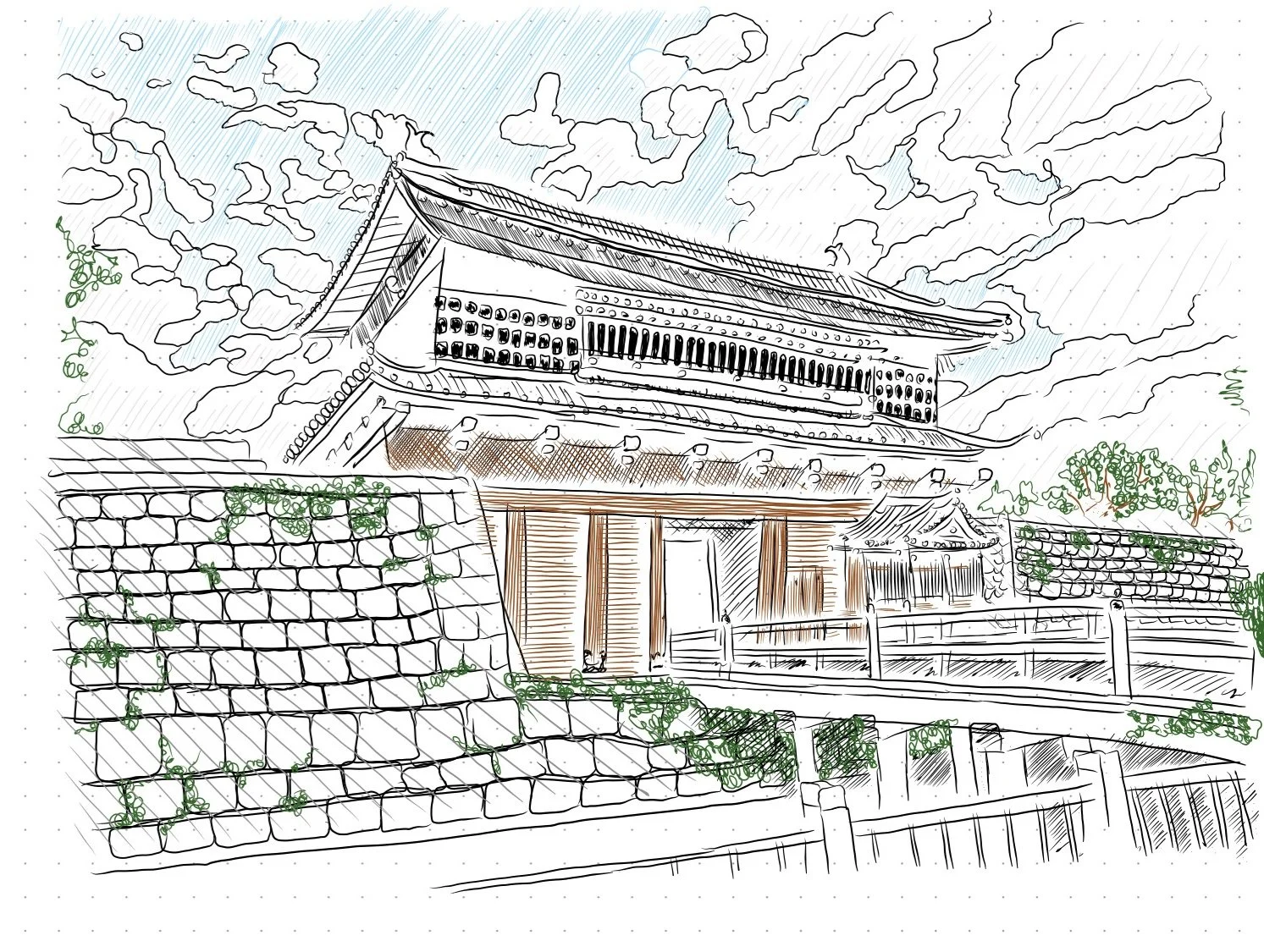
A digital drawing created on a Huion note: Kagoshima Castle Goromon Gate
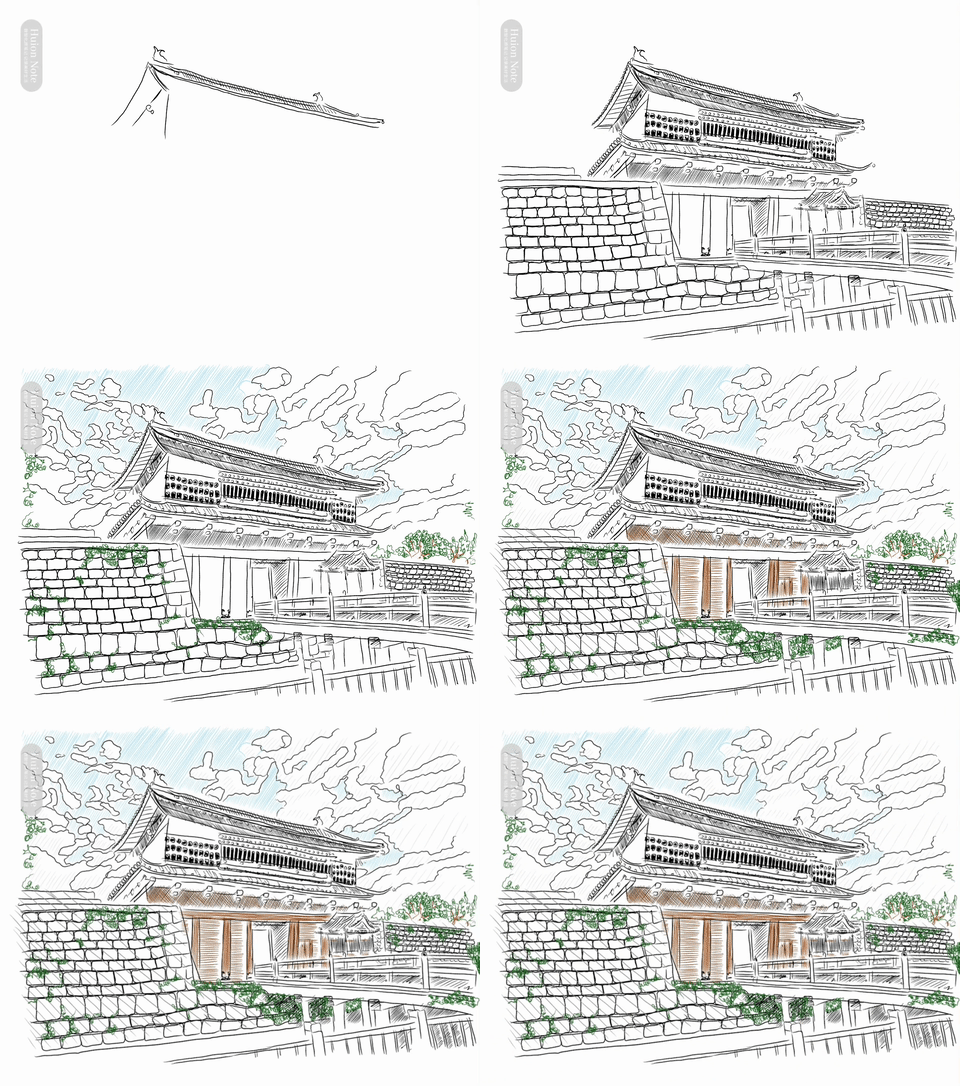
A gif of drawing Kagoshima Castle Goromon Gate on a Huion note
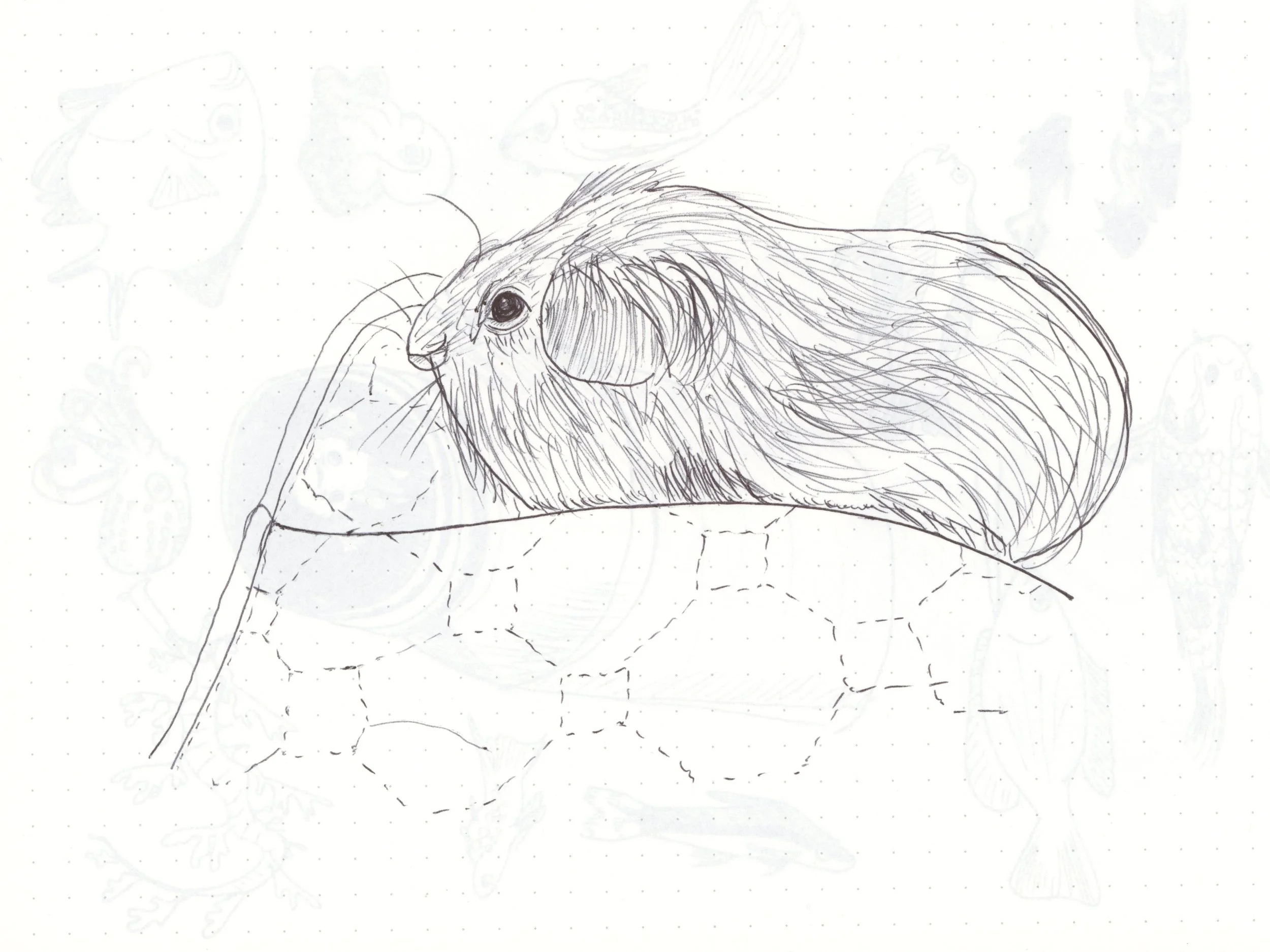
A drawing done with a Huion Note ball point on a Huion note paper notepad: guinea pig
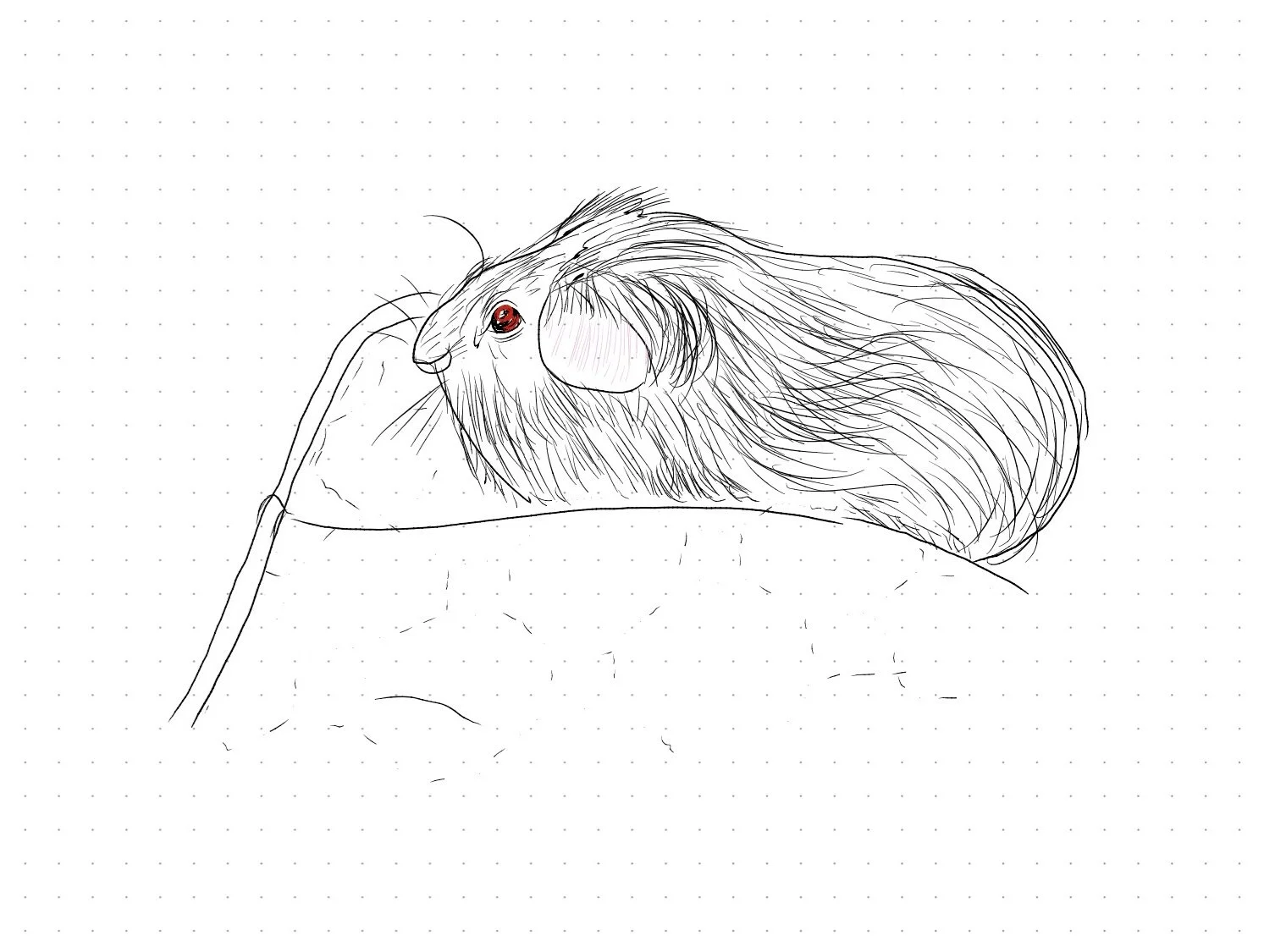
A digital drawing created on a Huion note: guinea pig
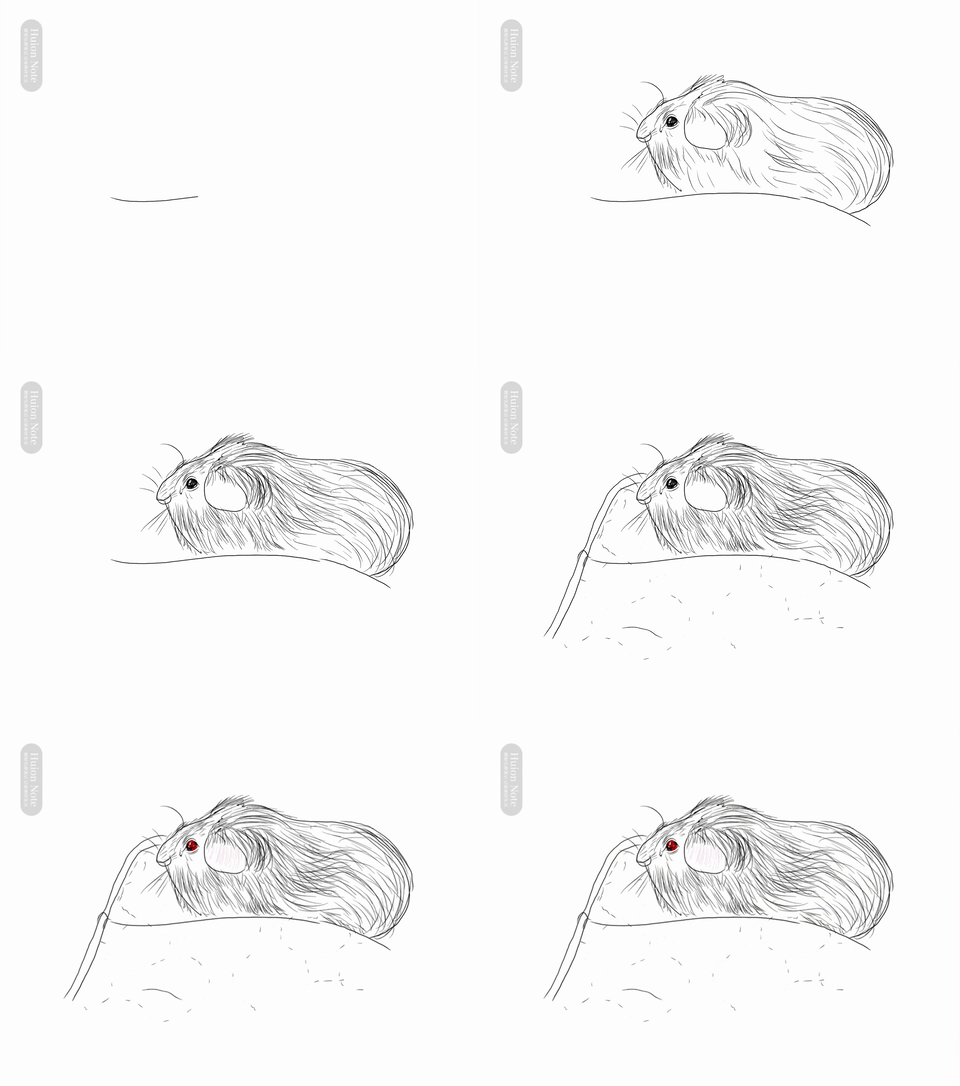
A gif of drawing a guinea pig on a Huion note
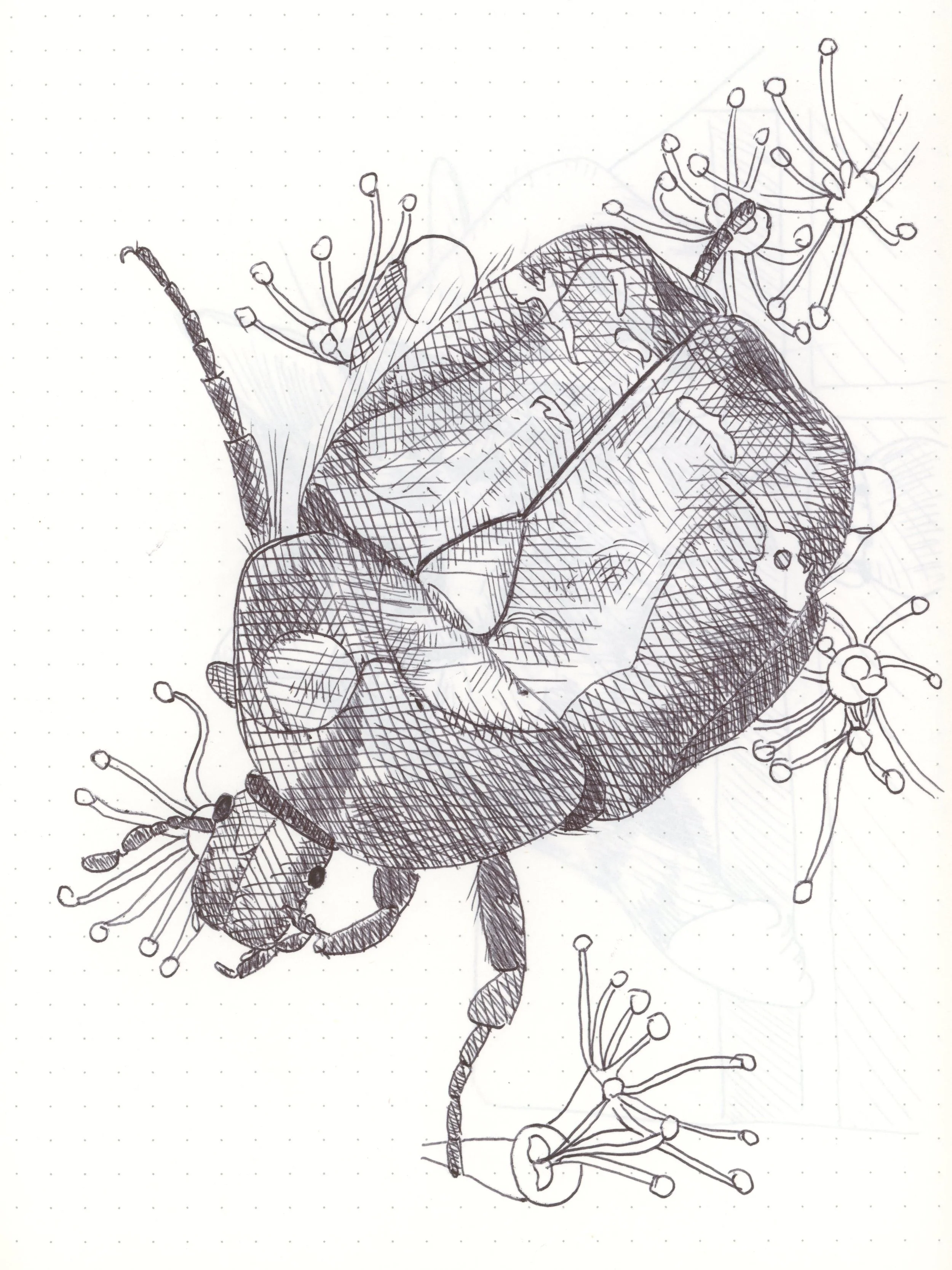
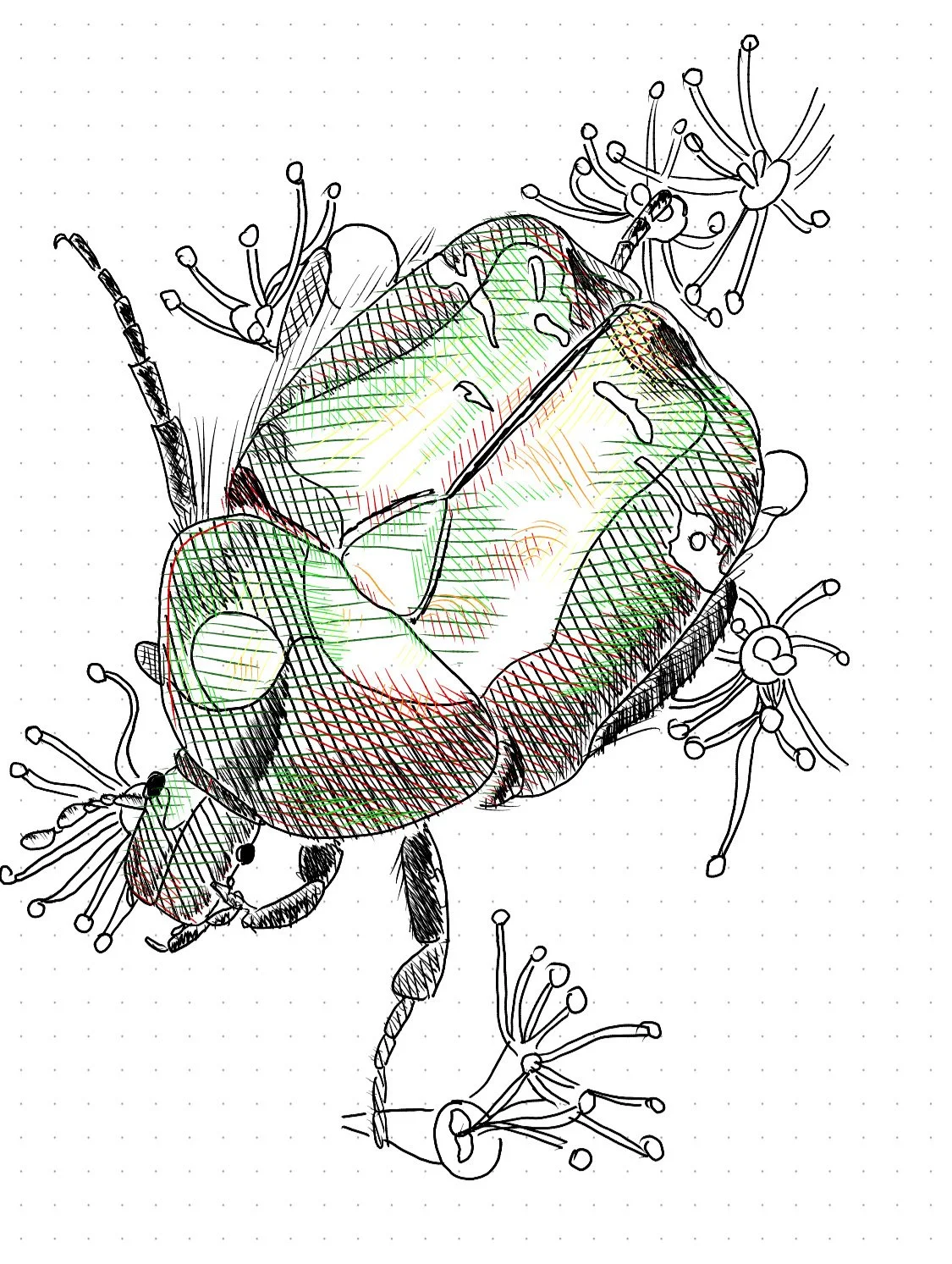
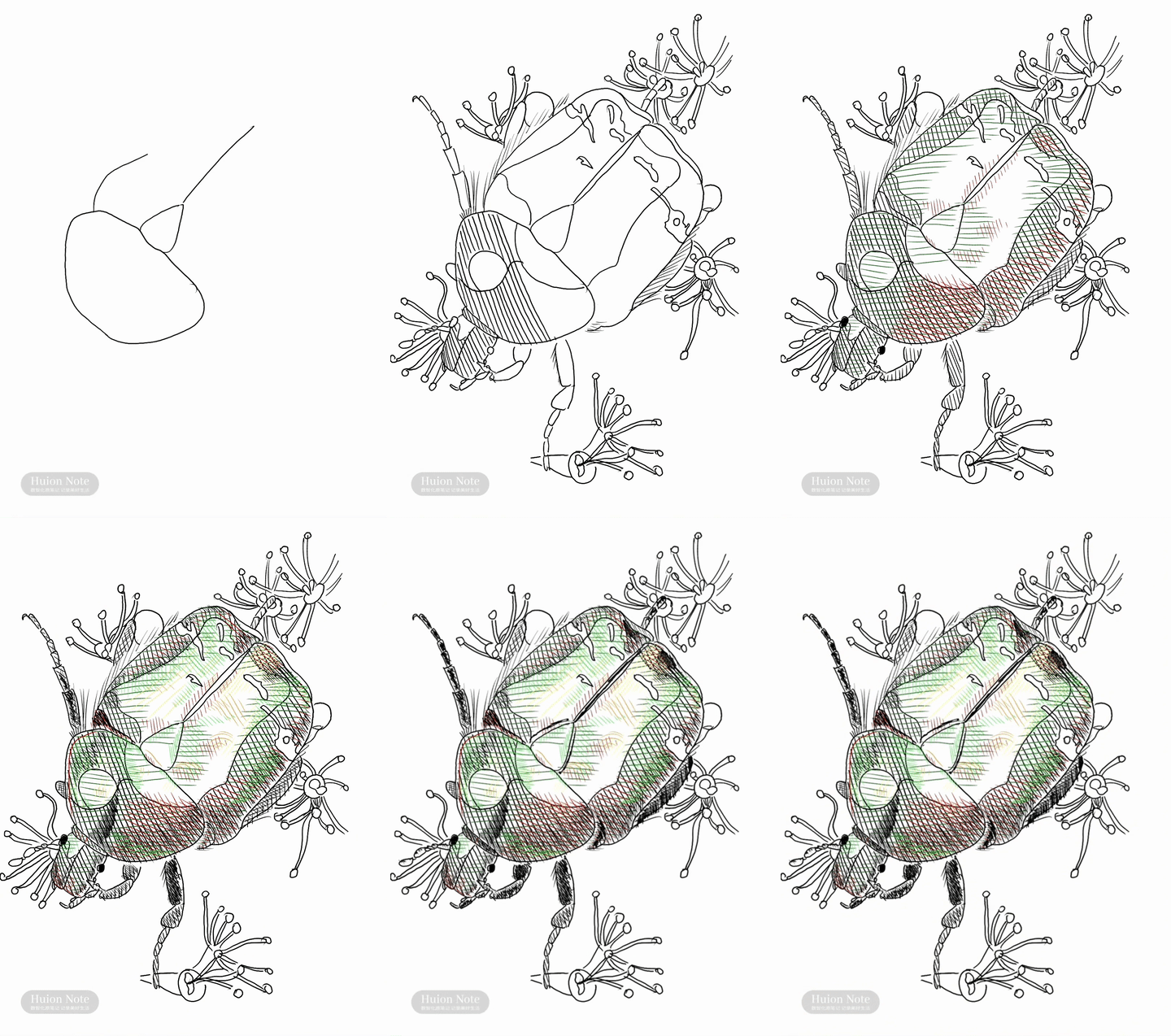
A drawing done with a Huion Note ball point on a Huion note paper notepad: scarab beetle
A digital drawing created on a Huion note: scarab beetle
A gif of drawing a scarab beetle on a Huion note
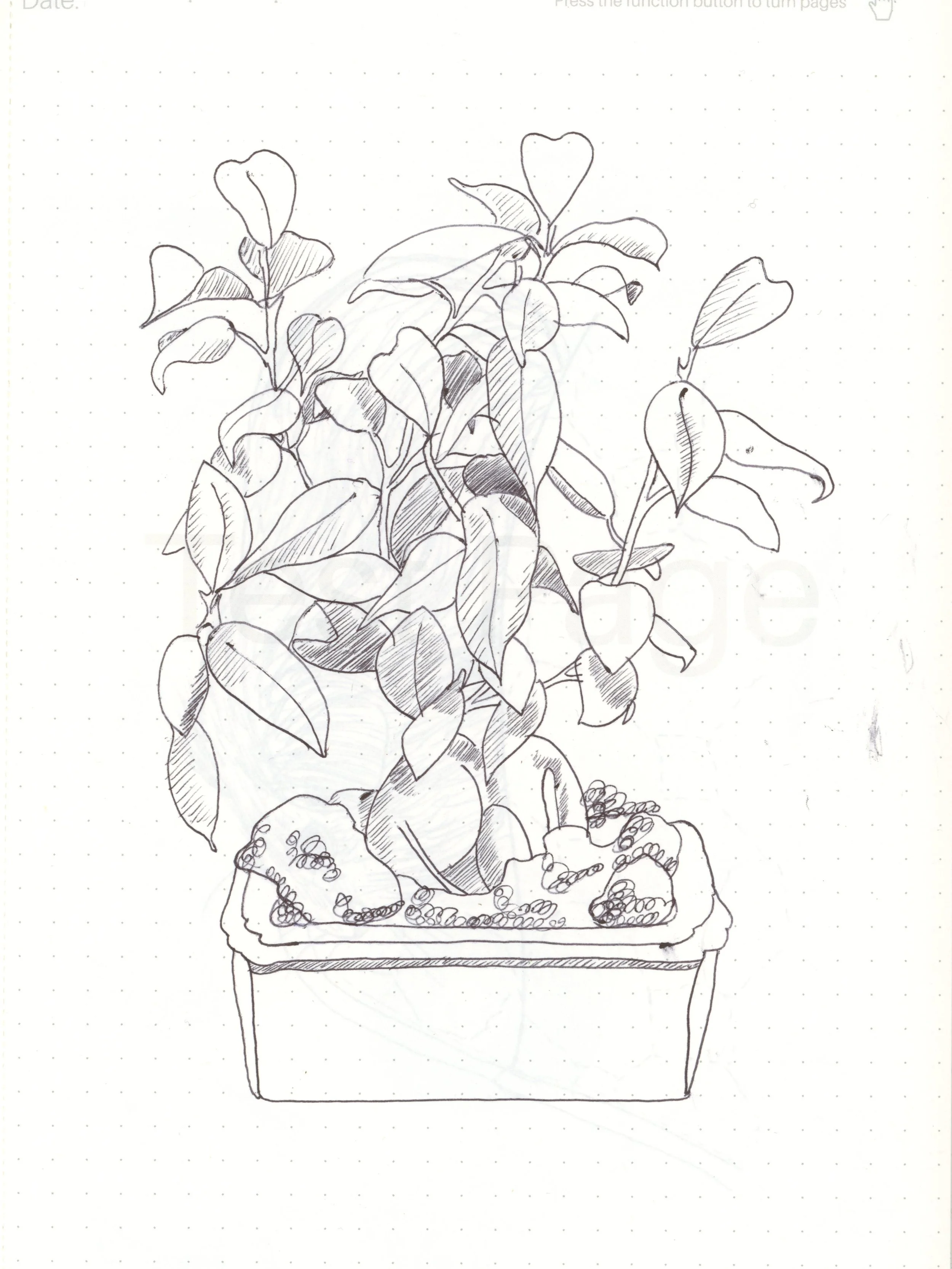
A drawing done with a Huion Note ball point on a Huion note paper notepad: ficus
A digital drawing created on a Huion note: ficus
A gif of drawing a ficus on a Huion note
Next
Next

Sunrise on the Way to School